HomeServicesOdoo Training Services
User Adoption & Mastery

Empower Your Team With
Odoo Training Services

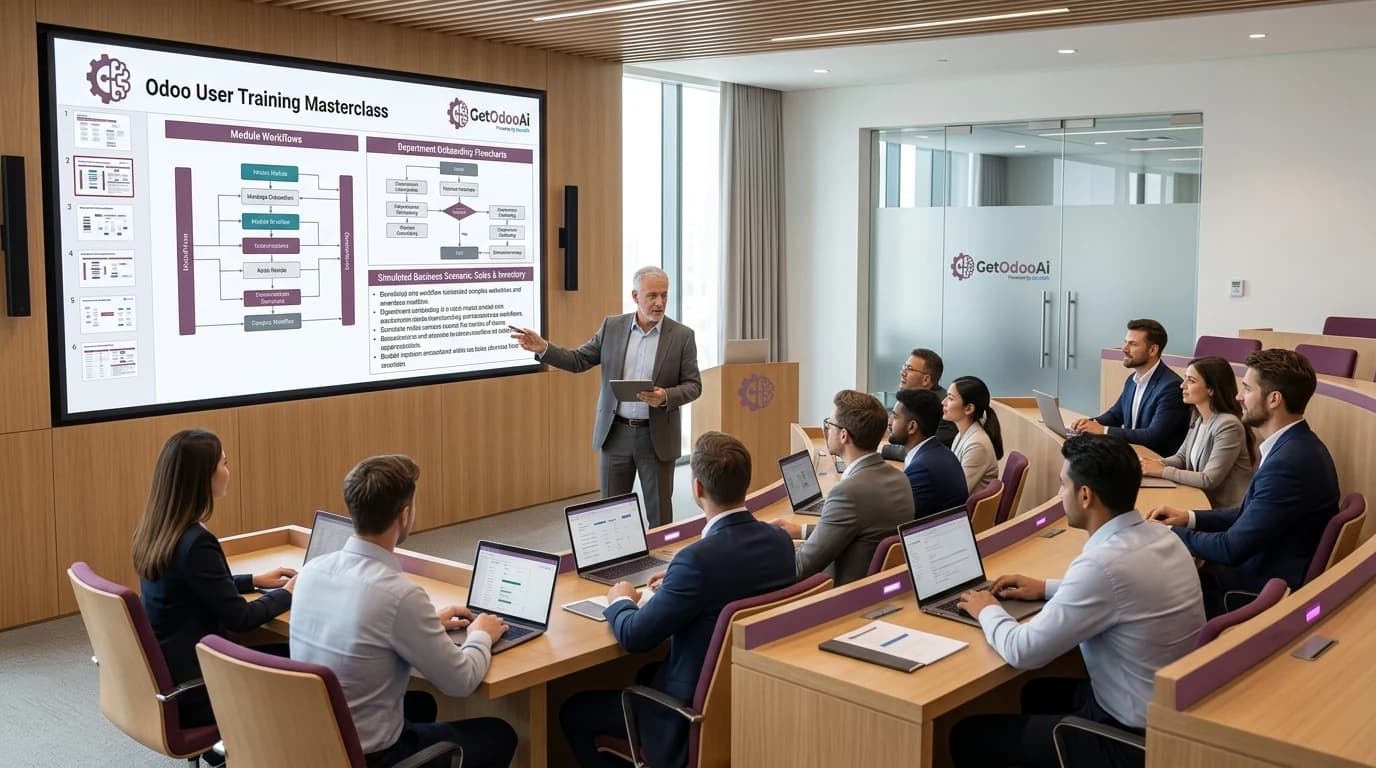
An ERP is only as powerful as the team operating it. We deliver role-based employee workshops, administrator coaching, and custom video SOPs recorded directly inside your own Odoo database.

100% User Adoption
Hands-on sandbox practice
Custom Video SOPs
Permanent internal asset
All Odoo Modules
From POS to Accounting
Talk with Training Lead
Odoo Training Services - GetOdooAi

Training Tracks Tailored to Every Department

From front-line warehouse pickers to the CFO, everyone gains the skills and confidence to work faster.

Role-Based End-User Training

Departmental workshops tailored for Sales, Inventory & Warehouse, Accounting, Purchasing, HR, and Manufacturing teams on their daily routines.

Odoo Administrator Coaching

Deep-dive technical training for your IT leads on user permission groups, automated actions, studio view tweaks, backup routines, and server logs.

Bespoke Video SOP Library

HD screen-recorded SOP videos recorded inside your exact Odoo database with your products, pricing, and custom fields for perpetual staff onboarding.

Executive & Management Reporting

Hands-on dashboard training for C-suite and department heads to build custom pivot tables, graphical charts, and automated executive email digests.
Why Choose GetOdooAi Training?

Practical, hands-on learning designed around your business processes.

Recorded in Your Real System

No generic software tutorials. Every exercise and guide uses your company's actual workflows and data.

Interactive Sandbox Practice

Employees practice safely in an isolated staging environment before handling real production transactions.

Accelerated Time-to-Productivity

Cut new employee onboarding from months to days with step-by-step role checklists and visual SOPs.

Reduced Support Dependency

Empower key department champions (super-users) to solve tier-1 team questions without vendor tickets.

Practical curriculum

What your team learns in Odoo

We build the curriculum around the modules you use and the tasks each role performs. Final exercises reflect your configuration, approval rules, and the responsibilities assigned to each learner.

01

Sales, CRM, and customer operations

Practice capturing leads, maintaining pipeline stages, preparing quotations, confirming orders, and following up on customer activity. Teams learn where handoffs occur and how to recognize records that need review before the next step.

02

Inventory, purchasing, and fulfillment

Walk through purchase requests, receipts, transfers, deliveries, and stock adjustments relevant to your operation. Exercises cover everyday exceptions such as partial receipts or backorders, with barcode workflows included when configured.

03

Accounting and financial workflows

Work through customer invoices, vendor bills, payment handling, reconciliation, and the reports used by your finance team. Training follows your configured accounting processes, with policy and approval decisions confirmed by your finance leads.

04

Administrators and department champions

Learn how to manage everyday user questions, review access needs, maintain agreed settings, and document repeatable tasks. We distinguish routine administration from changes that should be escalated to your technical or implementation team.

Delivery roadmap

From training needs to independent daily work

Session length and program duration depend on the modules, team size, and existing experience. We agree a schedule during scoping so learning fits around live operations.

01

Map roles and skill gaps

We identify who needs training, which tasks they own, and where errors or delays occur today. Department leads help prioritize the workflows that matter most for launch, a new rollout, or refresher training.

Step 1 of 4
02

Prepare role-specific exercises

We select representative scenarios and prepare a suitable training environment. Where production records contain sensitive information, the preparation plan should use approved sample or anonymized data.

Step 2 of 4
03

Deliver guided practice

Learners complete tasks with an instructor, ask questions, and repeat the steps themselves. Sessions can be grouped by department or experience level so new users and administrators receive the appropriate depth.

Step 3 of 4
04

Check readiness and plan follow-up

Practical tasks reveal where learners can work independently and where more coaching is needed. We review gaps with your team and agree follow-up practice or refresher sessions where they are part of the program.

Ready for the next chapter
Training outcomes

Give your team a reference after the workshop

The agreed training package can combine live instruction with reusable materials. We confirm the deliverables at the start so your managers know what will be available for future onboarding.

01

Role checklists and workflow guides

Short references summarize the daily steps, required fields, approval points, and common mistakes for each role. They help employees repeat the correct process without relying on memory from a single session.

02

Recordings and focused SOP videos

Recorded walkthroughs can provide a reusable reference for agreed workflows. Recording permissions, access, and the handling of sensitive information should be confirmed before the session.

03

Practical readiness checks

Learners demonstrate representative tasks such as processing an order or receiving stock. These checks help distinguish attendance from task readiness and identify which topics need another practice session.

04

A plan for ongoing adoption

Department champions can use the materials to help new starters and collect recurring questions. When your workflows or custom modules change, targeted refresher training helps keep the guidance aligned with the system.

A little more clarity

Your training questions, answered

Details that help you take the next step with confidence.

01How long does an Odoo training program take?

Duration depends on the number of roles, modules, and workflows, along with the experience of your users. We agree session lengths and a phased schedule after reviewing your requirements; a focused refresher and a multi-department rollout need different plans.

02Can you train users on our customized workflows?

Yes. We review your configured processes and custom modules during preparation and agree which workflows the curriculum will cover. Training exercises and reference materials can then reflect the steps your team actually follows.

03Do you train on-site or remotely?

We deliver both! We conduct highly engaging remote interactive sessions via Zoom/Teams with screen sharing, as well as on-site intensive workshops for multi-location teams.

04Can we keep the recorded training sessions?

Yes. All live workshop recordings and customized micro-video SOPs are yours to keep permanently in your internal knowledge base or LMS.

05What Odoo modules can you train our employees on?

We cover the complete Odoo ecosystem: Accounting & Financials, Inventory & Multi-Warehouse Barcode, CRM & Sales, Purchase, Manufacturing (MRP), Field Service, Project Management, and HR/Payroll.

06How many team members can attend the training sessions?

Our programs accommodate any team size—from 1-on-1 executive coaching and 10-person department cohorts to organization-wide webinars with hundreds of attendees.

Turn Your Staff into Confident Odoo Power Users

Schedule a consultation with our Odoo education specialists to review your workflow gaps and create a custom training blueprint.

Not on Odoo yet? Start with our Odoo implementation services.